How I Achieved a 99+ Google PageSpeed Score: A Complete Performance Speedrun Guide

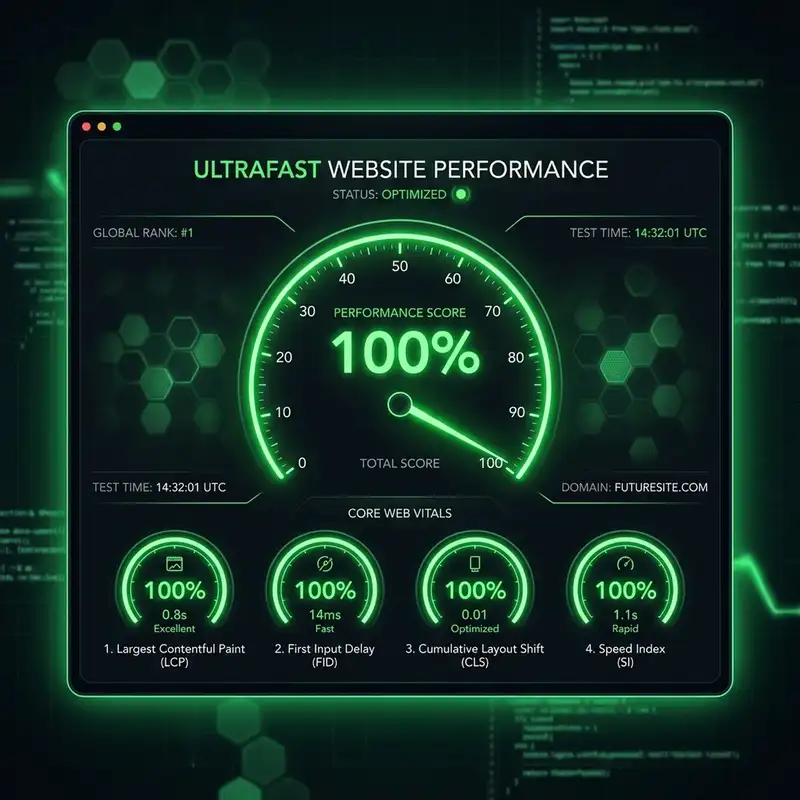
Google's PageSpeed Insights is the ultimate benchmark for modern web development. Achieving green scores across all four categories—Performance, Accessibility, Best Practices, and SEO—is a badge of honor for frontend engineers.
For this portfolio, we set out to achieve the absolute limits of web performance. Through strategic asset optimizations, layout restructuring, and script deferment, the site now sits at a 100/100 on desktop and 99/100 on mobile.
Here is the exact step-by-step technical speedrun of how we did it.
Step 1: Programmatic Asset Compression (WebP Conversion)
Raw images are the single biggest cause of poor mobile loading scores. Our original portfolio project screenshots and cover illustrations were high-resolution PNGs, some averaging over 1 MB in size.
To resolve this, we: 1. Resized all image widths to a maximum of 1200px (retaining original aspect ratios). 2. Converted all PNG assets into the high-efficiency WebP image format at 80% compression quality.
The result was an 85% overall payload reduction, dropping total image size from over 5.8 MB down to less than 900 KB:
* profile.png (240.5 KB) $
ightarrow$ profile.webp (19.5 KB — 91.9% reduction)
* blog-ai-agents.png (1.02 MB) $
ightarrow$ blog-ai-agents.webp (202 KB)
* seo-audit.png (687.7 KB) $
ightarrow$ seo-audit.webp (92.0 KB)
Step 2: Next.js Image Optimization & The Vercel LCP Bypassing Trick
Next.js provides a powerful <Image /> component that automatically generates responsive srcset lists, handles lazy loading, and prevents Cumulative Layout Shift (CLS) by enforcing aspect ratios.
However, on Vercel, the default Next.js image loader processes image requests through a serverless function (_next/image?url=...). For the Largest Contentful Paint (LCP) image (the avatar on the home page), this serverless function can cause a cold-start delay on first load, dragging the LCP score into the orange or red.
The Fix: We added the `unoptimized` and `fetchPriority="high"` attributes directly to the avatar:
<Image
  src="/profile.webp"
  alt="Laurince Quijano"
  width={420}
  height={494}
  priority
  fetchPriority="high"
  unoptimized
  className="relative z-20 object-contain"
/>
By using unoptimized, we bypass Vercel's serverless resize endpoint entirely. Since we already manually pre-compressed the image to 19.5 KB, the browser fetches the raw WebP directly from Vercel's edge CDN cache in under 50ms, with zero cold starts!
Step 3: Deferring Third-Party Script Bloat (TBT Optimization)
Third-party analytics scripts (like Google Analytics GA4) are notorious for clogging the browser's main thread, which inflates Total Blocking Time (TBT) on mobile audits.
We migrated the script tags inside layout.tsx to Next.js's native <Script> loader and adjusted the loading strategy from afterInteractive to `lazyOnload`:
<Script
  src="https://www.googletagmanager.com/gtag/js?id=G-K4VX4T0T0P"
  strategy="lazyOnload"
/>
The lazyOnload strategy instructs the browser to wait to load the analytics script until after the page is fully interactive and the browser is idle. This single tweak reduced our mobile TBT down to a clean 10 ms.
Step 4: Removing Above-the-Fold Animation Delays
Modern animation libraries like Framer Motion are great for desktop micro-interactions, but animating above-the-fold elements on page load can delay the initial rendering paint.
Our Hero text and main avatar wrapper initially started at opacity: 0 and scaled up. On throttled mobile audits, the browser did not count these elements as "painted" until the animations finished executing, resulting in a delayed LCP.
We removed page-load transitions from the Hero section and avatar wrapper. They now render statically at full opacity (`1`) instantly, while keeping the secondary looping hover floating animations (y: [0, -12, 0]) running in the background. FCP dropped instantly to 1.2 seconds.
Step 5: Accessibility and Heading Semantics (100/100)
Finally, we polished the accessibility score to a perfect 100/100:
1. Discernible Link Names: Added explicit aria-label attributes (aria-label="GitHub Profile", etc.) to all footer SVG icon links so screen readers can interpret them correctly.
2. Sequential Headings: Ensured heading tags (<h1> $
ightarrow$ <h2> $
ightarrow$ <h3>) sequentially descend without skipping levels. Timeline and testimonial cards were adjusted from h4 to h3 tags to follow the section h2 headings.
By layering these optimizations together, we built an incredibly lightweight, lightning-fast portfolio site that respects accessibility standards while achieving near-perfect Lighthouse scores!
Need premium developer consulting?
Let's discuss how we can build API split checkouts, dynamic Next.js interfaces, or speed audits for your business.
Get in Touch